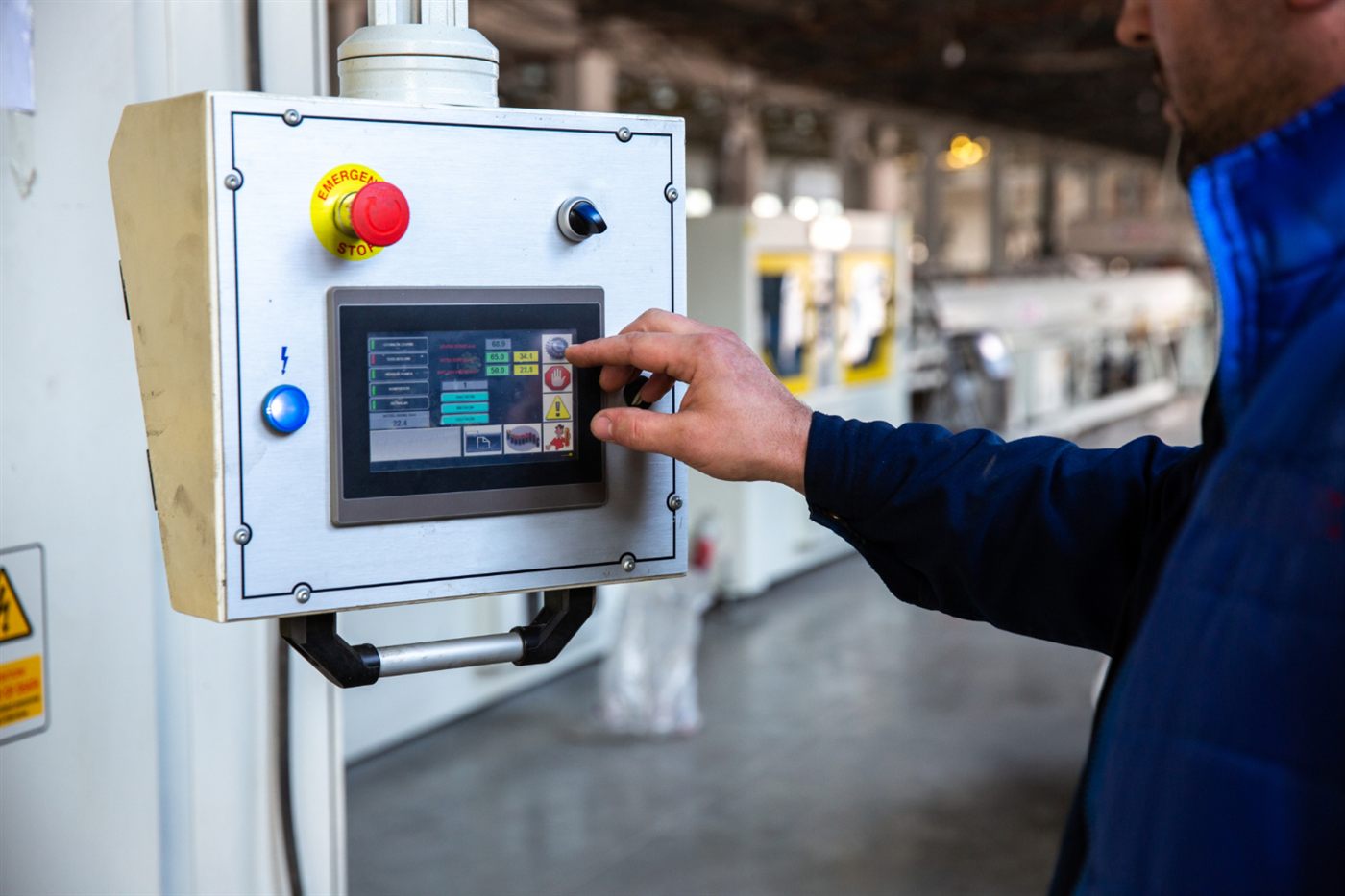
A larger display is not automatically a more useful operator interface. Begin with what the operator needs to see and do, then assess how the proposed HMI supports those tasks in its intended location.
Describe the normal operating view
Identify the equipment overview, status information and permitted actions needed at the panel. Ask operators which information they consult together. This gives the screen design a practical basis before colours and layouts are discussed.
Review the installation context
Have the responsible designer confirm mounting, environmental and other applicable requirements against the exact model documentation. Consider access, viewing position and the surrounding panel arrangement. Do not infer suitability from a product photograph.
Check project and communication requirements
Confirm compatibility with the selected controller and the tools needed to maintain the HMI project. Ask about supported functions that matter to your application rather than assuming every model includes the same capability.
Evaluate a representative screen
Review an appropriate mock-up or demonstration with users and record requested changes. The Omron system configuration guide places the HMI within the complete equipment and engineering scope.
Frequently asked questions
Should HMI selection start with screen size alone?
Start with the operator’s tasks and installation requirements, then assess the display and other features needed to support them.
Can a product photo establish that an HMI suits a panel location?
Use the exact model’s specifications and the responsible designer’s assessment of the installation conditions.
Why review a sample HMI screen before final delivery?
It lets users identify unclear information or awkward task flows while the design can still be revised.