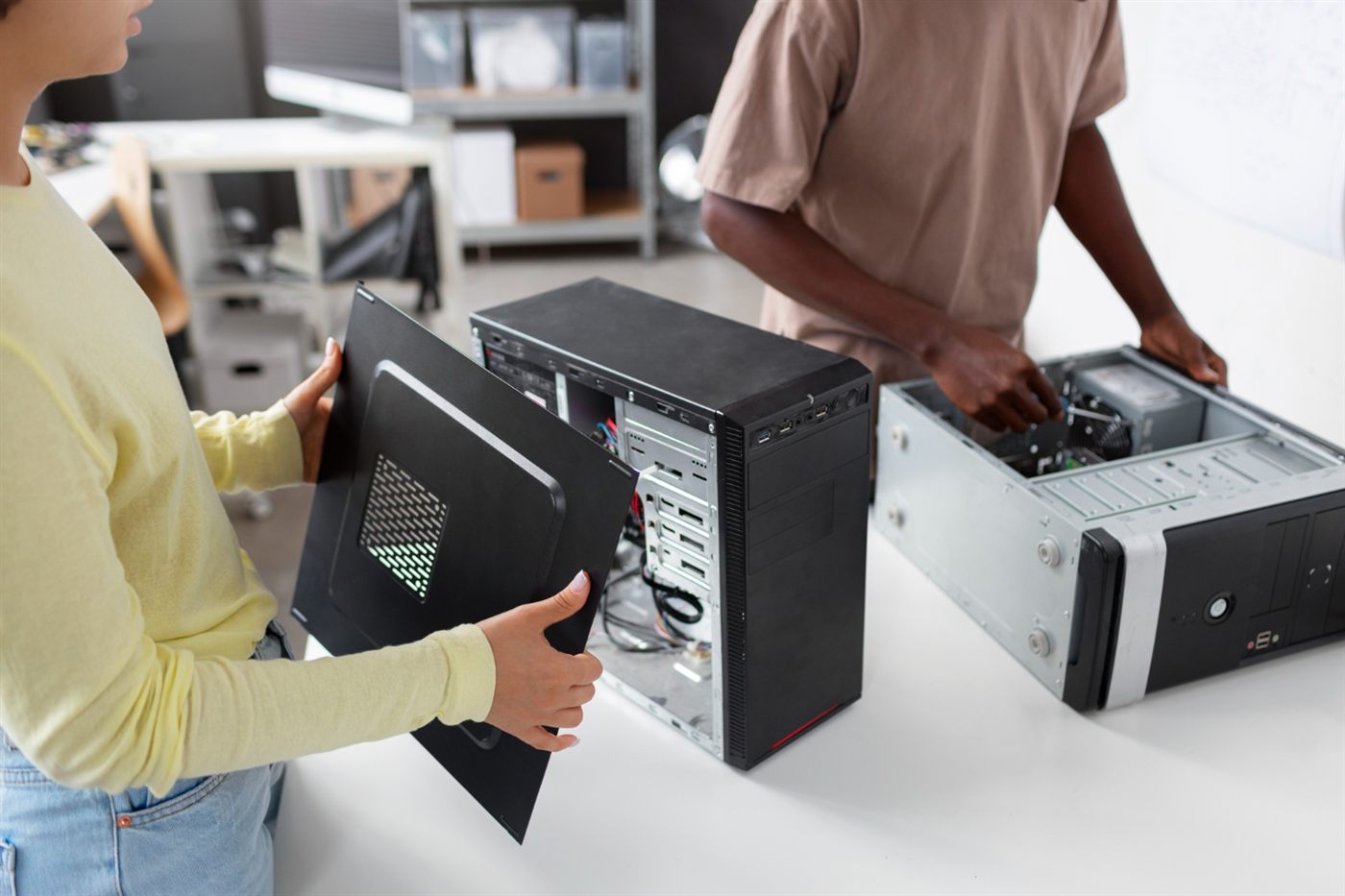
A used desktop is easier to judge when you separate the model name from the hardware inside it. Two computers wearing the same badge can have different memory, storage or graphics. Compare the actual configuration with your intended tasks before deciding which offers better value.
Read the full specification
Record the exact processor, installed memory, storage type and capacity, graphics and operating system. If a detail is missing, ask for it rather than assuming a standard configuration. A broad label such as “Core i5” is not enough to identify a particular processor.
Choose a shape that fits the workspace
Look at the dimensions, permitted orientation and connection access. Consider the screen and cables as well as the case. Leave the manufacturer’s required clearance rather than squeezing a computer into a space simply because its outer dimensions fit.
Assess what you have now
List the applications, file sizes and peripherals the computer must handle today. Then identify plausible future needs separately. Buying for a vague upgrade idea can add cost without establishing whether the chassis and platform actually support that change.
Compare available configurations
IT Recycle’s used desktop computers in Malaysia collection provides individual models to investigate. Check the specification and condition of the selected item, and confirm any unclear details with the seller. Availability and configuration should be established for the actual purchase.
Make price follow the requirement
When comparing PC prices in Malaysia, allow for essential missing items and any confirmed work needed to make the computer suitable. A proposed upgrade is only useful if compatibility and the installed cost have both been checked.
Keep the decision grounded
Use the guides below to examine form factor, processor identity, memory and storage, upgrade feasibility and task suitability. They help turn a long specification into a short list of questions you can resolve before buying.
Frequently asked questions
Can two used desktops with the same model name have different hardware?
Yes. Confirm the installed configuration of the particular unit rather than relying on a product-family description.
What belongs on a useful desktop hardware comparison list?
Include exact component identifiers where relevant, installed memory and storage, graphics, chassis details, connections and the operating system.
Should I buy a desktop mainly because it might be upgradeable later?
Verify the specific proposed upgrade and its cost first. An uncertain future change should not replace checking that the supplied computer meets your present needs.