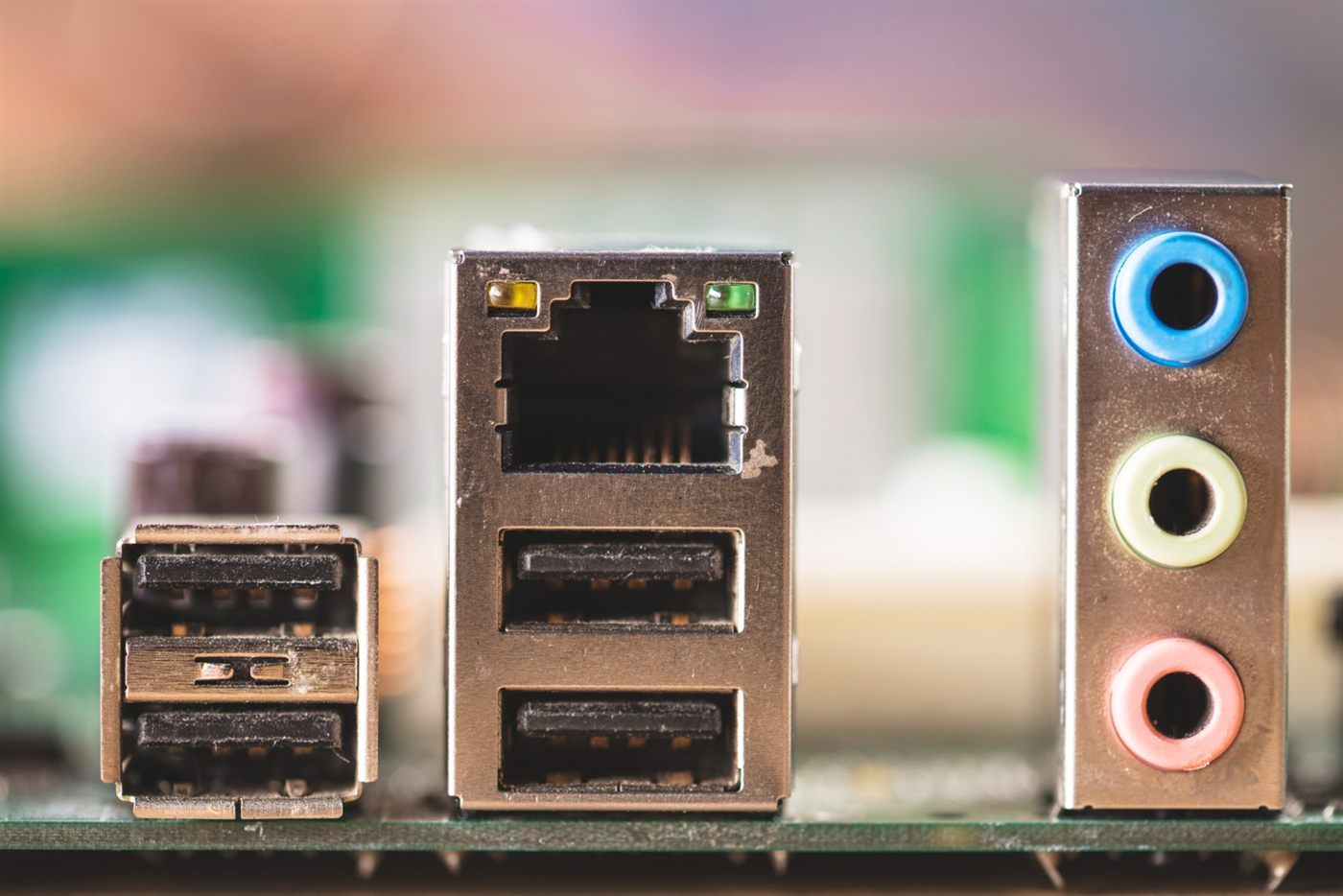
“You can upgrade it later” is only useful when the proposed change has been checked. Identify the component you want to add, then work back through the exact desktop’s documentation and constraints.
Define the intended improvement
Explain what the computer cannot currently do and what outcome you need. More capacity, another display or a different application requirement may lead to different changes. Avoid buying parts simply because an upgrade sounds like a way to protect the purchase.
Check the full compatibility chain
Ask a competent supplier or technician to assess the exact chassis, motherboard, power supply, connectors and relevant firmware support. For an expansion card, include physical clearance and the required bracket as well as the electrical connection. Record the conclusion for the specific component rather than a general product category.
Price the finished result
Include the part, installation and any associated changes that are genuinely required. Ask how the work affects applicable purchase or service terms. Compare that total with a desktop already configured for the task before deciding which route is worthwhile.
Leave uncertain upgrades out of the promise
If compatibility remains unresolved, assess the computer as supplied. The desktop hardware selection guide helps distinguish a confirmed capability from a future possibility.
Frequently asked questions
Does an empty expansion slot prove a new graphics card will work?
Check the complete proposed installation, including fit, power, connections and platform support. The slot alone does not settle compatibility.
What costs belong in a desktop upgrade comparison?
Include the confirmed parts, installation and necessary associated work, then compare the finished configuration with alternatives.
Should I assume a used-PC seller provides upgrade installation?
Confirm the service and scope directly. Selling a desktop does not establish that the seller offers installation of additional parts.